




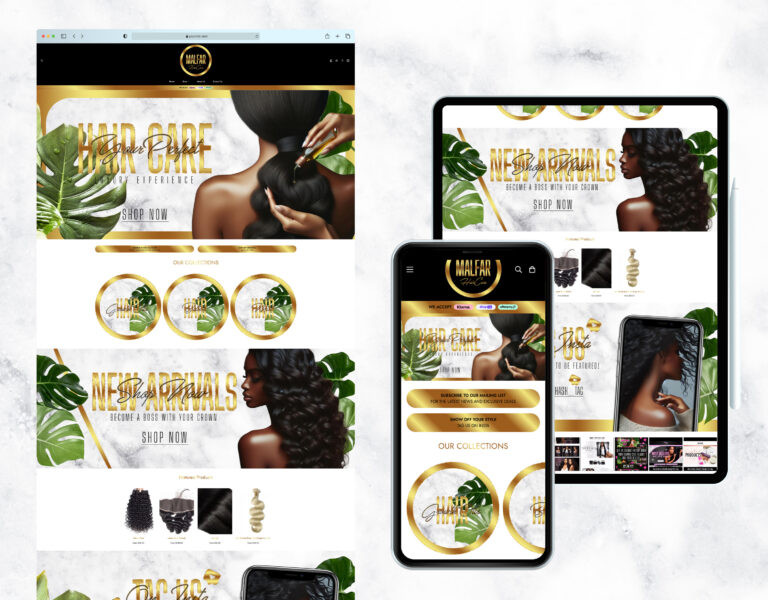

Starting an online store is a major achievement, but scaling it successfully is where real growth happens. With WordPress and WooCommerce, you have a flexible and powerful platform that can adapt as your business expands. In this guide, we’ll cover essential tips and tools to help you scale your WooCommerce store for long-term success.
1. Choose Scalable Hosting
Start with hosting that can grow with your traffic. Managed WordPress hosting providers like SiteGround, Kinsta, or WP Engine offer fast, reliable performance with built-in scalability and support for WooCommerce.
2. Optimize Performance
Speed is critical for both user experience and SEO. Use a caching plugin (e.g., WP Rocket), optimize images, and enable a content delivery network (CDN) to ensure fast load times—even as traffic increases.
3. Use Quality Plugins
WooCommerce’s flexibility comes from its ecosystem of plugins. Choose trusted, well-supported extensions for payment gateways, shipping, subscriptions, analytics, and more. Avoid overloading your site with unnecessary tools.
4. Implement Advanced SEO
As you scale, SEO becomes even more important. Structure product categories clearly, use schema markup for rich snippets, and create keyword-optimized product pages and blog content to drive organic traffic.
5. Leverage Email Marketing
Grow your customer base with automated email marketing. Use plugins like MailPoet, FluentCRM, or integrate with external tools like Mailchimp to send newsletters, cart abandonment emails, and product recommendations.
6. Offer a Seamless Checkout Experience
A complicated checkout process can hurt conversions. Use WooCommerce extensions to streamline checkout, offer multiple payment options, and provide guest checkout if possible.
7. Track and Analyze Data
Data helps you make informed decisions. Use tools like Google Analytics, MonsterInsights, and WooCommerce reports to monitor sales, customer behavior, and product performance.
8. Expand Your Product Line or Services
Introduce new products, upsells, or even digital products and memberships. WooCommerce supports various business models, making it easy to diversify your offerings.
9. Enhance Customer Support
As your store grows, so do customer inquiries. Add live chat with tools like Tawk.to or integrate a helpdesk plugin to manage support tickets effectively.
10. Plan for Growth Strategically
Think ahead. Map out marketing campaigns, inventory management, and fulfillment workflows. Partner with freelancers or agencies when needed to help handle expansion without burning out.
Conclusion
Scaling an online store doesn’t happen overnight, but with the right strategy and tools, WordPress and WooCommerce provide everything you need to grow confidently. Focus on performance, automation, customer experience, and data-driven decisions to take your store to the next level.


